
WordPress vs Shopify vs Wix vs Squarespace: Which Is Best for a UK Small Business? (2026)
 2 Oct 2026
8 min read
2 Oct 2026
8 min read
The short answer: for most UK small businesses, WordPress is the best long-term choice for a service business that wants to rank on Google, Shopify is the best choice if selling products online is the main job of the site, and Squarespace or Wix suit a simple brochure site you want to build yourself this weekend. The platform matters less than people think. What matters is whether it lets you rank, convert visitors into enquiries, and grow without starting again in two years.
We build on all of these platforms for businesses across Birmingham and the UK, and we also rebuild a lot of sites that started on the wrong one. This WordPress vs Shopify vs Wix vs Squarespace comparison is the conversation we have with clients before any design work starts.
Table of Contents
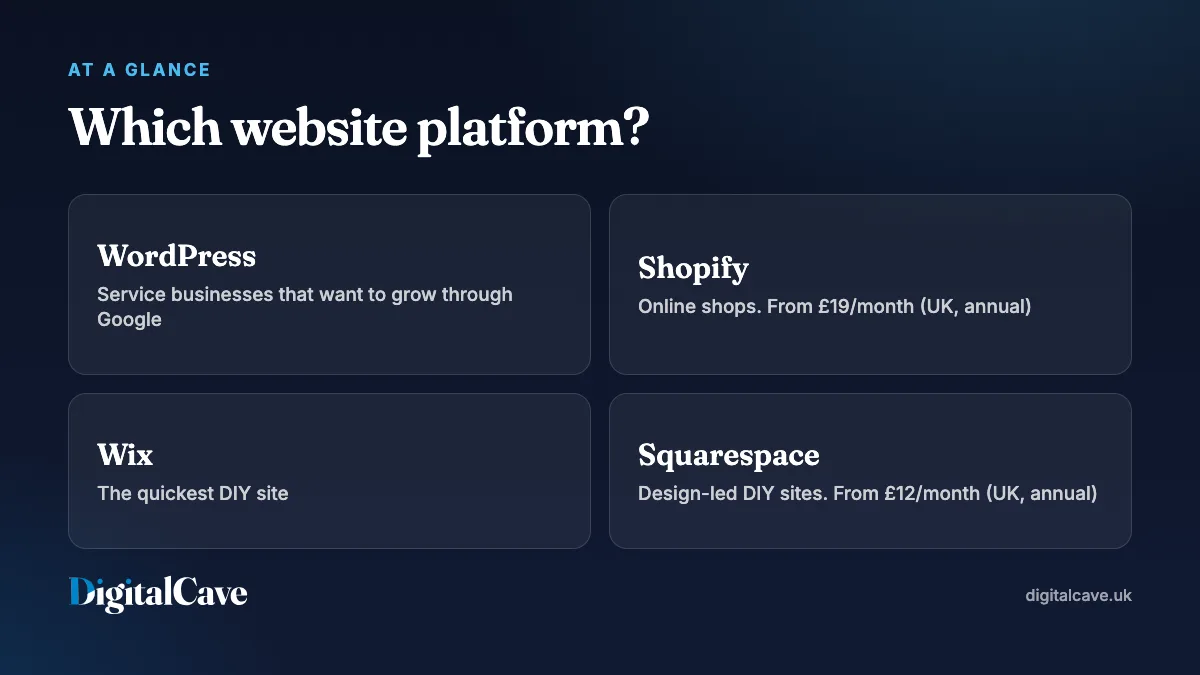
WordPress vs Shopify vs Wix vs Squarespace at a glance
| WordPress | Shopify | Wix | Squarespace | |
|---|---|---|---|---|
| Best for | Service businesses, content and SEO-led growth | Online shops of any size | DIY brochure sites | Design-led DIY sites, portfolios |
| Ease of use | Moderate | Easy | Very easy | Easy |
| SEO control | Excellent | Good | Good for basics | Good for basics |
| Flexibility | Almost unlimited | High for ecommerce | Limited to the builder | Limited to templates |
| Monthly cost | Hosting, roughly £5 to £30 | From £19 (Basic, annual) | Varies by plan and region | From £12 (Basic, annual) |
| You own it | Yes, fully portable | Your data, their platform | Hard to move away | Hard to move away |
Shopify and Squarespace prices are their published UK annual-billing rates, checked in October 2026. Monthly billing costs more. Always check the provider’s pricing page before you commit.
WordPress: best for service businesses that want to grow through Google
WordPress powers a large share of the web, and for good reason. It is open source, so you own your site outright and can host it anywhere. Almost anything can be built on it: booking systems, course platforms, membership areas, multi-location businesses and WooCommerce shops.
Why we usually recommend it
- SEO control is the best of the four. You control page structure, URLs, schema markup, redirects and page speed in detail. That matters if organic search is a major source of leads.
- It grows with you. A five-page site can become a fifty-page site with service pages, location pages and a blog without a rebuild.
- No lock-in. If you fall out with your developer or host, you take your site and move it.
The trade-offs
- It needs looking after. Plugins and WordPress itself need regular updates, and cheap hosting will slow it down.
- Quality varies wildly. A WordPress site built on a bloated theme with thirty plugins can be slow and fragile. A well-built one is fast and stable.
Choose WordPress if you run a service business such as a trade, clinic, consultancy, law firm or agency, and you want your website to bring in enquiries from Google over the long term.
Shopify: best when selling products is the main job
Shopify is a hosted ecommerce platform. Hosting, security and checkout are handled for you, and the checkout is among the most trusted and best converting available. In the UK, plans start at £19 a month on the Basic plan billed annually, with Grow at £49 and Advanced at £259. Online card payments through Shopify Payments start at 2% plus 25p on Basic.
Strengths
- A fast, reliable checkout with Apple Pay, Google Pay and Shop Pay built in.
- Stock, orders, shipping and discounts managed in one place.
- A large app ecosystem for reviews, subscriptions, bundles and marketing.
Limits
- Monthly app costs add up quickly. Budget for them, not just the plan.
- Some URL structures are fixed, for example
/products/and/collections/. This is fine for most shops, but it gives you a little less SEO control than WordPress. - Content-heavy marketing pages are possible but less flexible than on WordPress.
Choose Shopify if product sales are the main purpose of the website, whether you sell ten products or ten thousand. Once the shop is live, personalising the shopping experience is usually the next step.
Wix: best for a quick DIY site
Wix is a drag-and-drop builder. You can have a presentable site live in an afternoon with no technical knowledge, and hosting is included. Wix has improved its SEO tools a lot in recent years, and for a small local business with a handful of pages, it is perfectly workable.
- Good: very easy to use, lots of templates, and booking and simple store features on higher plans.
- Not so good: sites can get heavy and slow as you add features, design freedom has limits, and moving a Wix site to another platform later usually means rebuilding it.
Wix pricing varies by country and plan, and ecommerce features are only included on the higher tiers. Check the current UK prices on the Wix website.
Choose Wix if you need something live quickly, on a tight budget, and you are happy to build and maintain it yourself.
Squarespace: best for design-led DIY sites
Squarespace is known for polished templates, which makes it popular with photographers, creatives and hospitality businesses. In the UK it costs from £12 a month on the Basic plan billed annually, with Core at £17 and Plus at £29. The Basic plan charges a 2% transaction fee on online store sales. Core and above remove that fee.
- Good: beautiful templates out of the box, simple to edit, hosting and SSL included.
- Not so good: you work within the template’s structure, advanced SEO and custom functionality are limited, and like Wix it is hard to move away from.
Choose Squarespace if you want a good-looking portfolio or small business site you can manage yourself, and you don’t need much custom functionality.
Which platform should your business use?
| Your business | Our usual recommendation |
|---|---|
| Trades, builders, plumbers | WordPress, for service and area pages that rank locally |
| Solicitors, accountants, clinics | WordPress, for compliance pages, team profiles and SEO |
| Consultants and freelancers | WordPress, or Squarespace for a very small site |
| Photographers and creatives | WordPress or Squarespace |
| Restaurants and takeaways | WordPress, with direct ordering linked in |
| Product brands and online shops | Shopify |
| Service business that also sells online | WordPress with WooCommerce, or Shopify if products lead |
| Brand-new business testing an idea | Squarespace or Wix, then upgrade when it works |
If your industry is on that list, our guides to websites for tradespeople, websites for restaurants and websites for consultants go into more detail.
The real cost over three years
Comparing monthly fees alone is misleading. A fairer comparison is the total cost of getting a site that actually works, plus three years of running it. For a typical small business that looks something like this:
- DIY on Wix or Squarespace: the cheapest in cash, but your time is the main cost, and many owners end up paying for a rebuild when the business outgrows the builder.
- Professionally built WordPress site: a higher upfront cost, low monthly hosting and maintenance, and no rebuild needed as you grow.
- Shopify store: a build cost plus the monthly plan, apps and transaction fees. These scale with sales, so they are easier to justify once the shop is earning.
We break down build costs in our guide to how much a website costs in the UK.
Can I switch platforms later?
Yes, but plan it properly. Moving platforms usually means a rebuild, and the biggest risk is losing the Google rankings you already have. Every old URL needs mapping to a new one with a 301 redirect, and content that already ranks should be kept, not rewritten for the sake of it. Our guide on whether your website needs a redesign covers how to protect your rankings during a move.
What we’d choose
For most of the service businesses we work with, we build on WordPress because it gives them the most control over SEO and the most room to grow. For product brands, we build on Shopify. We only recommend a DIY builder when the budget is very tight and the owner is happy to run it themselves, and we’ll say so honestly if that’s the right call. You can see examples of both approaches in our case studies.
Frequently asked questions
Which website platform is best for SEO?
WordPress gives the most SEO control, followed by Shopify for ecommerce. Wix and Squarespace handle the basics well, and for a small local site the difference is smaller than people think. Content, page speed and your Google Business Profile matter more than the platform.
Is WordPress free?
The WordPress software is free. You pay for hosting, a domain, any premium themes or plugins, and the build itself if you use a designer.
Is Shopify good for a small business?
Yes, if you sell products. It is reliable, secure and easy to manage day to day. For a service business that doesn’t sell online, WordPress is usually a better fit.
Is Wix bad for SEO?
Not anymore for basic sites. Wix can rank well for local searches. Its limits show on larger sites that need fine control over speed, structure and technical SEO.
Can I move my Wix or Squarespace site to WordPress?
Yes, but it is usually a rebuild rather than a direct transfer. With proper redirects you keep your rankings and usually improve them.
Which platform is cheapest to run?
A WordPress site on decent hosting is often the cheapest to run over several years, because the software is free and there are no per-sale platform fees. DIY builders are cheapest to start with.
In one line
Choose WordPress if you’re a service business that wants to grow through Google, Shopify if selling products is the main job of your site, and Wix or Squarespace if you need a simple site you can build yourself. If you’re unsure, tell us about your business and we’ll recommend the right platform honestly, even if it’s one you can build yourself.